For jurors
Jury from your armchair.
One email, one link, one large image at a time. Score with big buttons, leave a comment if you like, and stop whenever you want. Your progress is saved.
Nothing to install
Works in the web browser on an iPad, tablet, laptop or desktop.
Blind by design
You see the work and the details the organizers chose. Never names or contact details.
Stop and start anytime
Every score and comment saves immediately. Come back later and pick up at the next one left.
Designed for long looking
Each entry fills the screen with its pictures and the details you need: statement, medium, size, year. Score buttons are large, Previous and Next are always in the same place, and a counter tells you how many are left. Keyboard shortcuts if you want them.
Your instructions, right there
The organizers’ instructions sit at the top of your screen, along with the deadline. You get one reminder email two days before, only if you have entries left.
Fair to everyone, including you
If you’ve entered the show yourself, you’ll never see or score your own work. Downloaded pictures have plain file names, so nothing gives away the artist.
Keep exploring
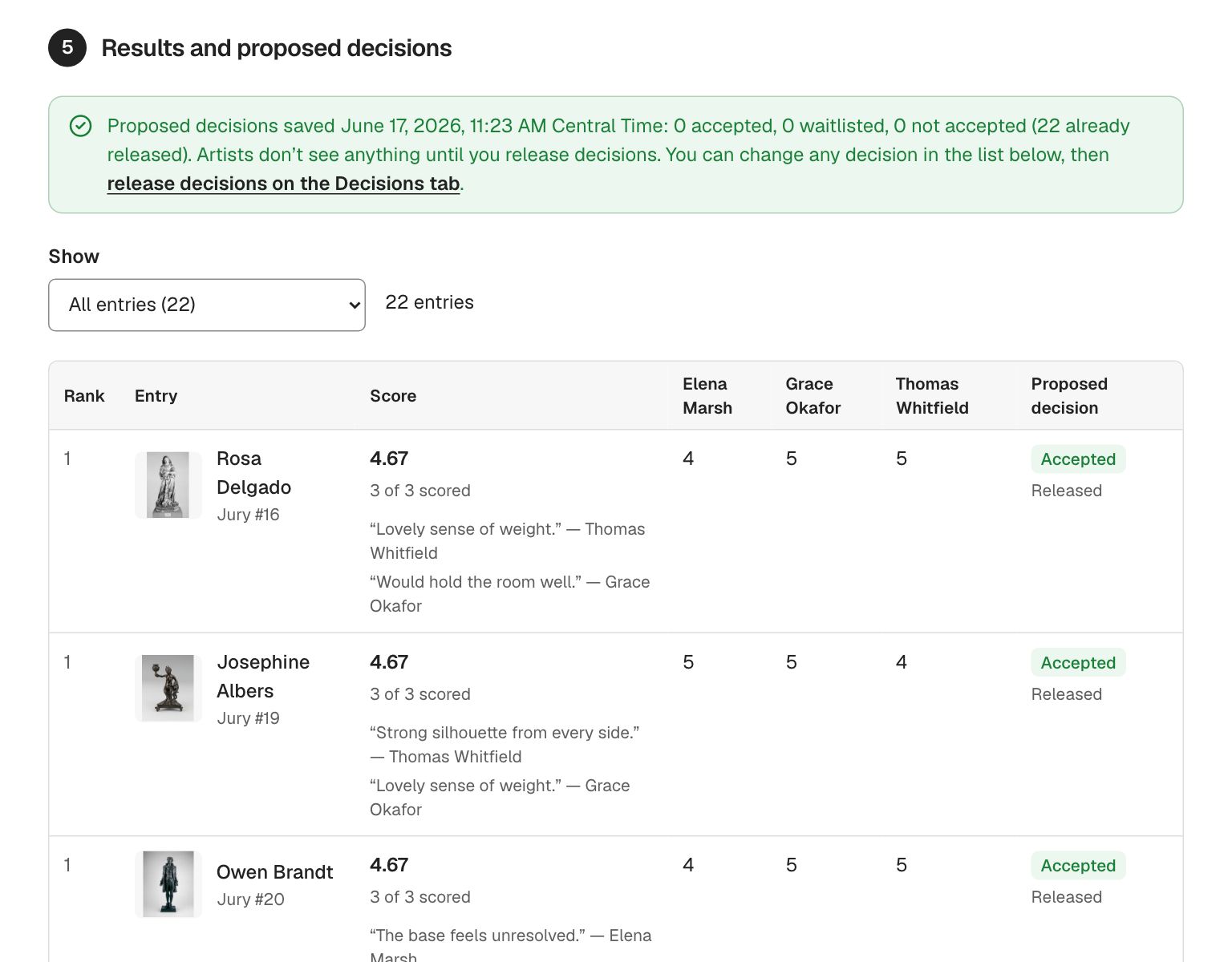
- JuryingJurors score from home on a tablet or laptop. Truly blind jurying, panel or single-juror, ranked results with a live cutoff, and ties that are never split.
- Decisions & awardsEmail every artist their decision in one click, in your own words. Record awards with cash prizes and sponsors, and announce them when you are ready.
- Calls for entryPublish a call for entry on your own web address and take applications online. Artists apply from a phone, their work saves as they go, and they never pay to use it.
Questions people ask
Do I need to create an account?
A free GalleryEntry account, created from your invitation email in about a minute. If you already have one, just sign in.
Can I see other jurors’ scores?
No. Each juror scores independently. The organizers see the combined results.
Can I change a score?
Yes, until the organizers save their decisions.
Run your next show on GalleryEntry.
Free for your first 100 entries every year. Set up a call in an evening; artists apply from any phone.